

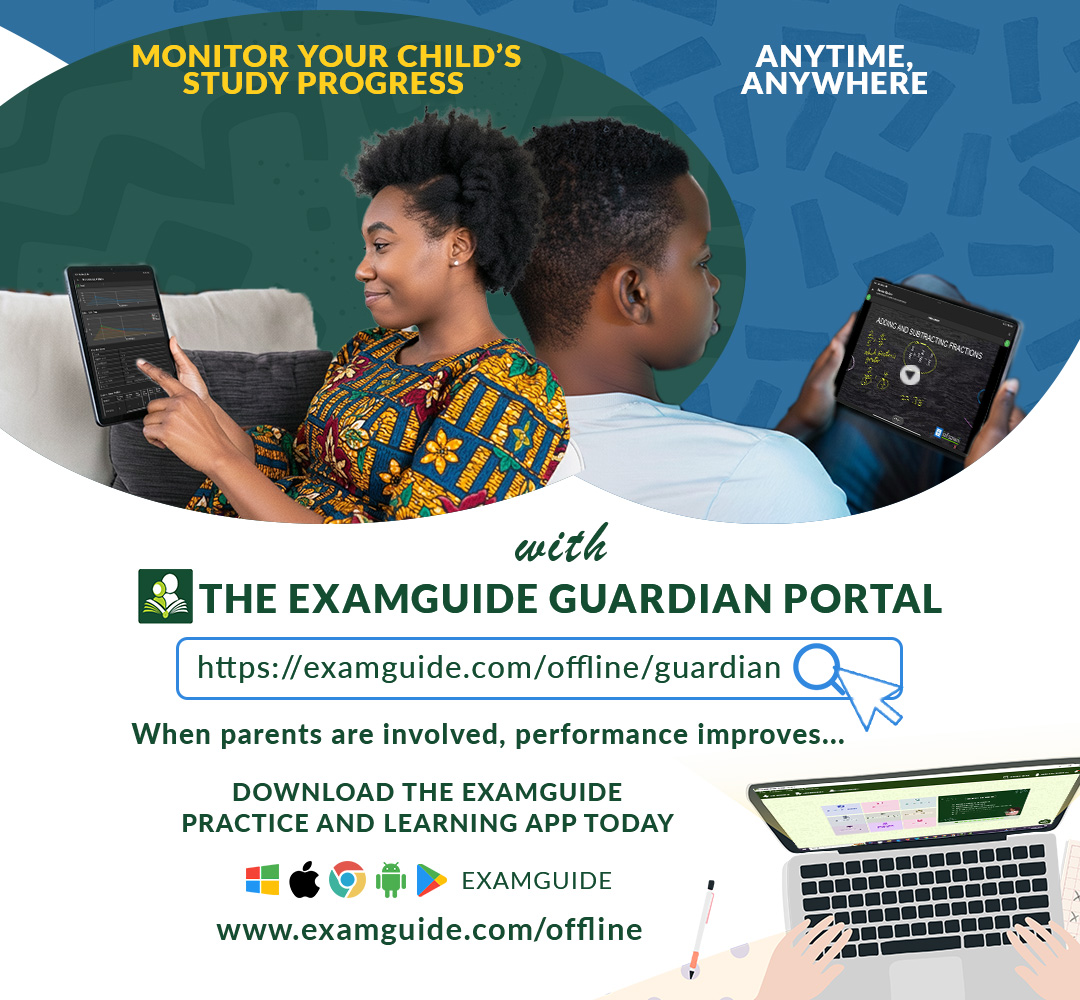
EXAMGUIDE GUARDIAN PORTAL
HOW PARENTS, SCHOOLS, AND GUARDIANS CAN ACTIVELY MONITOR STUDENTS’ STUDY PROGRESS AND EXAM READINESS
In today’s highly competitive academic environment, effective exam preparation goes beyond just studying. Consistency, accountability, and proper guidance play a critical role in determining how well a student performs in major examinations like JAMB UTME, WAEC and NECO SSCE, BECE, Common-Entrance and every other exam.
At Zigmatech Consult Limited, we understand this reality deeply. That is why we have introduced a new feature to the ExamGuide Practice Application — The Guardian Portal.
The Guardian Portal is designed to bridge the gap between students and the adults responsible for guiding their academic journey, giving parents, guardians, and schools full visibility into a student’s study habits and performance.
WHAT IS THE EXAMGUIDE GUARDIAN PORTAL?
WHY WE INTRODUCED THE GUARDIAN PORTAL
WHAT GUARDIANS CAN ACCESS ON THE EXAMGUIDE GUARDIAN PORTAL
HOW THE EXAMGUIDE GUARDIAN PORTAL WORKS
WHY EVERY STUDENT SHOULD USE EXAMGUIDE
WHAT IS THE EXAMGUIDE GUARDIAN PORTAL?
The ExamGuide Guardian Portal is a dedicated monitoring platform that allows parents, guardians, and schools to track a student’s academic progress directly from their ExamGuide Practice Application. By securely connecting to a ward’s ExamGuide app, the Guardian Portal provides clear and detailed insights into:
Study consistency
Subject strengths and weaknesses
Daily and weekly performance trends
Topic mastery and exam readiness
This ensures that guardians are no longer in the dark about how effectively their wards are preparing for exams.
WHY WE INTRODUCED THE GUARDIAN PORTAL
With over a decade of experience in the EdTech space, we observed a consistent pattern:
Students perform significantly better when their study progress is monitored.
When students know that their efforts are being observed by Parents, Guardians, School authorities, Or even accountability partners they naturally become more disciplined and consistent in their studies as they will always want to impress these sets of people and this sense of accountability creates Better study habits, Increased motivation, Improved consistency and invariably a Higher exam scores.
The Guardian Portal was created to make active involvement easy and data-driven, enabling guardians to follow up properly, encourage improvement where needed, and celebrate progress where due. When guardians are involved, results improve dramatically.
Visit www.examguide.com to download the ExamGuide Practice Application and also Sign up on the Guardian Portal and take an active role in your ward’s academic success
WHAT GUARDIANS CAN ACCESS ON THE EXAMGUIDE GUARDIAN PORTAL
The Guardian Portal offers comprehensive academic analytics, giving you a complete picture of a student’s preparation level.
- Practice Results
Guardians can view:
Test scores, Subject-by-subject performance, Time spent on each practice session, detailed session logs
This helps you understand what your ward scored and how they studied.
- Aggregate Analysis
This section provides a broad performance overview, including:
Total practice attempts, Minimum, maximum, and average scores, Clean and easy-to-read score trend charts
You can quickly identify whether performance is improving, stagnant, or declining.
- Subject Analysis
Track performance across all subjects to:
Identify strongest subjects, Detect weak subjects early, Guide focused revision and intervention
This is especially useful for exams like JAMB UTME and WASSCE, where balanced performance is crucial.
- Topic Analysis
The Topic Analysis feature allows guardians to see:
Number of attempts per topic, Accuracy level, Mastery rate across all subject topics
This ensures no topic is neglected during preparation.
- Question Analysis
With Question Analysis, guardians can monitor:
Coverage of past questions by year, Model questions attempted, Unanswered or skipped questions
This ensures the student is fully exposed to exam patterns and frequently tested questions.
- Study Plan Monitoring
Guardians can track:
Daily and weekly study plans, overdue topics, Classroom and study plan completion status
This makes it easy to ensure that students are sticking to their study schedules.
Visit www.examguide.com to download the ExamGuide Practice Application and also Sign up on the Guardian Portal and take an active role in your ward’s academic success
HOW THE EXAMGUIDE GUARDIAN PORTAL WORKS
Getting started with the Guardian Portal is simple and secure:
Step 1: Create a Guardian Account
Visit the Guardian Portal at:
www.examguide.com/offline/guardian
Once you sign up, a unique Guardian Code is automatically generated for you.
Step 2: Authorize Access from the Student’s App
Your ward will enter your Guardian Code inside the Guardian Portal section of their ExamGuide Practice Application.
This step authorizes you to view their study and performance data.
Step 3: Link Your Ward
After authorization:
Click on “Link Candidate” and enter your ward’s ExamGuide Product Key
You can link multiple students to one Guardian Portal account, as long as each student authorizes you using your Guardian Code.
The ExamGuide Practice Application runs offline, and results are saved locally on the device and Data is synced whenever internet is available. This ensures uninterrupted study and reliable performance tracking.
WHY EVERY STUDENT SHOULD USE EXAMGUIDE
If your ward is not currently using the ExamGuide Practice Application, this is your sign to get started.
ExamGuide is Nigeria’s leading student study companion, built to help learners prepare comprehensively and confidently for exams.
Key Features of ExamGuide Practice Application:
Syllabus-based study materials
Tutorial videos
Thousands of CBT practice questions
Real exam simulation environment
Performance tracking and analytics
ExamGuide helps students build confidence before stepping into the exam hall.
Available Platforms
The ExamGuide Practice Application is available on:
Windows, Android, Chrome and iPhone OS
Get Started Today
Empower your ward with the right tools and the accountability they need to succeed.
Visit www.examguide.com to download the ExamGuide Practice Application and also Sign up on the Guardian Portal and take an active role in your ward’s academic success
With ExamGuide and the Guardian Portal, exam success is no longer a guess — it’s a guided journey. Measured, and achieved.
No comment found
Related Posts

Ex-JAMB Registrar Tasks Kwara Universities on Solutions to Socio-economic Challenges

Benefits of Parents' Involvement in Their Child's Academic Development